Whether you own a business, need to promote yourself, or run a nonprofit, owning a website that suffers from bad web design is a terrible disadvantage. The first New Flight Digital website was designed in Adobe Muse, a now-discontinued WYSIWYG (what you see is what you get) website designer. I knew there were many disadvantages to using such a program (less creative freedom, lack of direct control over content, etc), but like so many others, I simply lacked the know-how to launch into building my own website from scratch. Until I started Googling… and googling… and googling…
I knew a revamped New Flight website would need to showcase some of our products, and the many eye catching 3D graphics and effects we have produced. It would need to be big, bold and colorful, like the company. I started looking to other similar (albeit larger-name) players in the VFX industry for inspiration. Digital Domain, for example, has a front page with pleasing motion graphics, large hero-shots of their work, and a unified color scheme.

With next to no idea where to begin, I started with an open source HTML template and opened it in Adobe Dreamweaver. Quick, rapid google searches were my go-to as I learned the ins and outs of HTML and CSS. But I soon realized that the things I wanted to display on the website could not be accomplished with HTML alone. You see, websites like the one I had in mind are the result of the interplay between HTML and CSS files, Javascript, PHP, and other elements, all interacting. The latter two are scripts… files that are intended to execute in order to accomplish something. In order to execute PHP, I needed to set up a web server, since PHP runs on the server itself. Try to view a “.php” file without hosting it on a web server, and it won’t do anything, because there’s no server to run it. Javascript on the other hand executes “client side”, meaning it executes in the viewer’s browser, and not on the server.
- PHP- Server-side code (script)
- Javascript- Client-side code (script)
- HTML- What web pages are ultimately made of
- CSS- Cascading Style Sheet; how web pages know what to look like
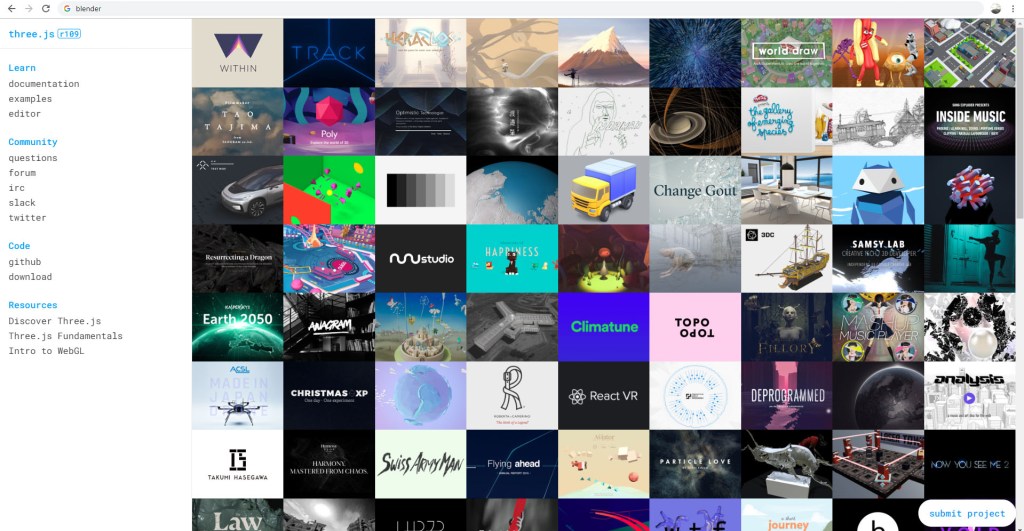
After setting up a local testing environment with XAMPP, I quickly mocked up some design ideas. Any files I edited and saved would automatically update on the web server, since I was editing them directly. This was extremely useful for up-to-the-moment updated views of the website code. I knew I needed some 3D elements on the website. After all, that’s what we do. Why not have some cool 3D objects for the user to interact with? For this, after some googling, I used three.js, a 3D Javascript library. Think of it like a set of files that allows you to create 3D scenes in Javascript. I dug in, and spent months working on a front page 3D scene using Blender to create assets.
But there was so much more! I needed a contact form, a downloads page, a blog slider, and other elements. For all of them, I either used PHP or Javascript to deliver the information to the viewer. If a script needed direct access to server elements, I used PHP, since it ran on the server, and therefore could access the server files. If something needed to be rendered by the client, I used Javascript, since it ran on the user’s computer.

In the coming months, I hope to share details of how I accomplished certain aspects of my website. All it took was googling… and patience. If you have those two things, you can create an entire website without costly alternatives, and have complete control over how it operates, what it does, and everything in between. Leave some comments below about what element of the new website you would like explained, or shoot an email to contact@newflightdigital.com.
 New Flight Digital Blog