With the advent of 3D printing, practical effects have begun to make quite the comeback. What used to be industry standard has gone from obsolete to a specialized type of work, often sought by directors that want to give their films an “authentic” look. From costumes to sets, 3D printed elements allow for new authenticity in special effects. In a January issue of “3D Artist”, Nathan Crowley, production designer for the movie “First Man”, explained the use of 3D printers in creating spacecraft for the big screen. “We had 18 3D printers in the art department which literally ran 24 hours a day for six months…”, he says. I figured the time had come to give our readers a quick tour of the New Flight Digital 3D printing workflow.
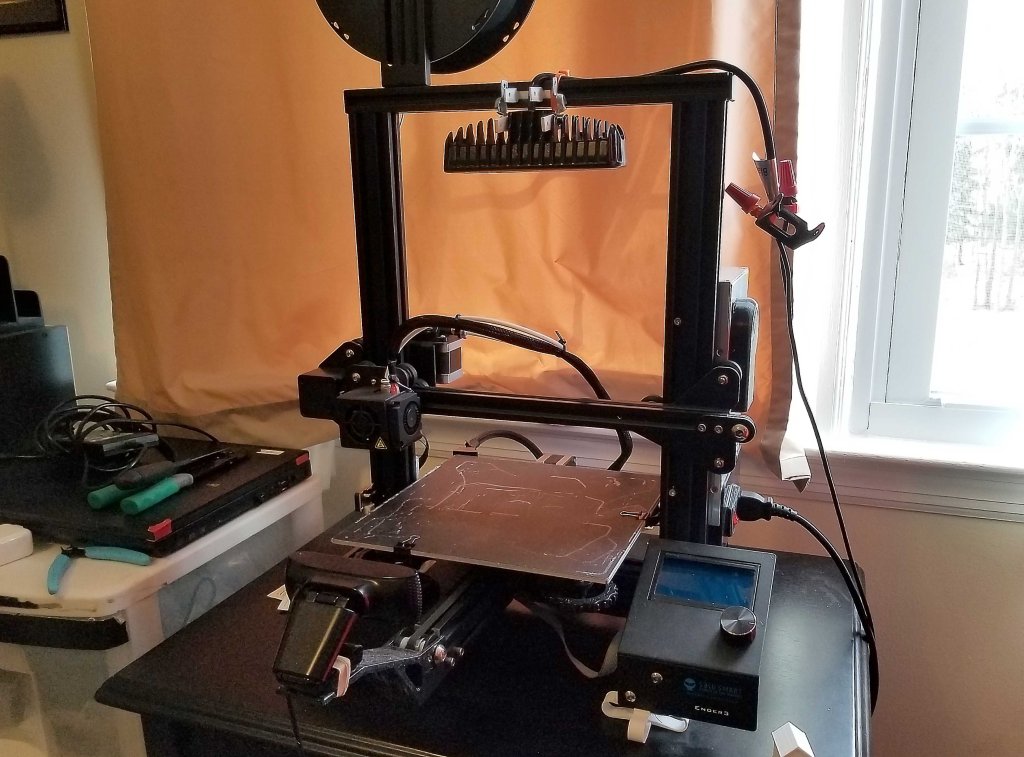
At the heart of our workflow is the Ender 3, a cost effective 3D printing workhorse with a variety of benefits in the practical effects production area. I use this printer to create small sets that are typically used in custom animation scenarios in which a practical miniature set is needed. I print at a layer height of 0.08 mm. Controlling my printer is a Raspberry Pi running OctoPrint, a free program designed to make printing over a network easy. This allows for easy access to the printer in different physical areas. Temperature and other aspects can be monitored and controlled through the web interface.


Along with the Ender 3, I have set up a powerful LED lamp connected to a network-controlled relay module. This way, I can turn the light on and off via the relay module’s web app. Also running on the RPI is a webcam stream of the printer for easy visual monitoring remotely.
I have been using this printer often as a “clone” tool for some 3D objects; that is, using photogrammetry, I have been able to print small copies of real-life 3D objects. The process is quite simple, but allows for sets and models of real-world locations to be built for tabletop practical effects.


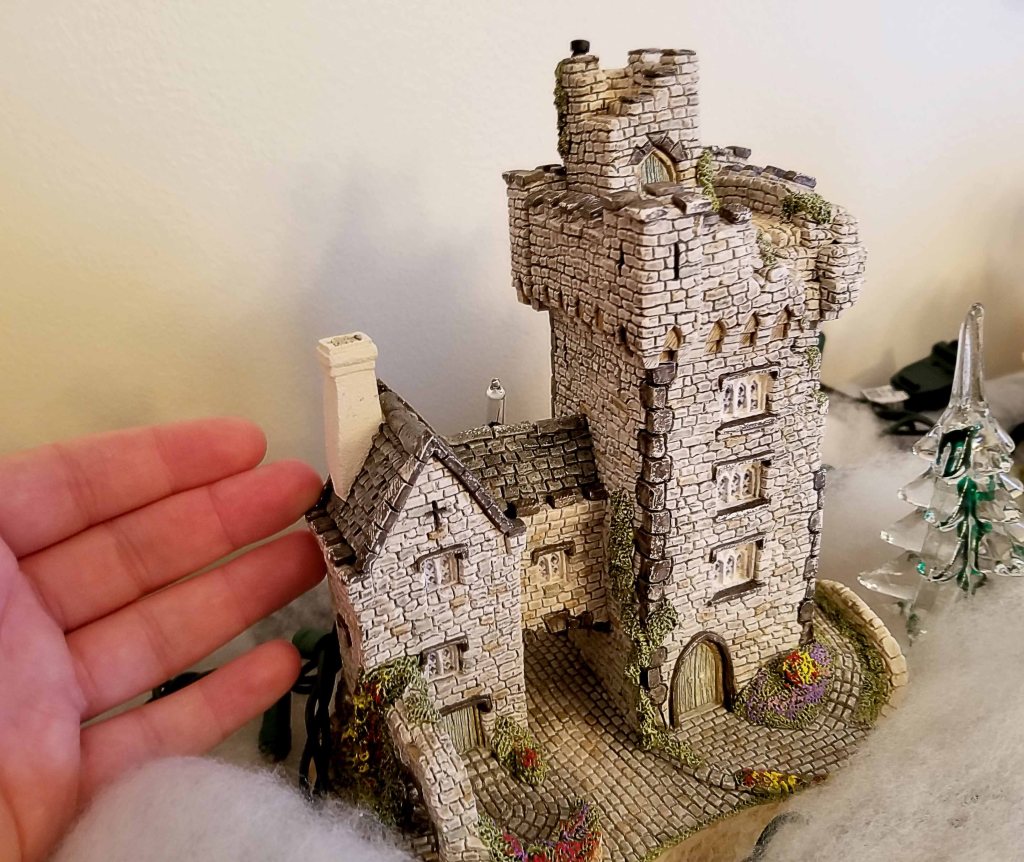
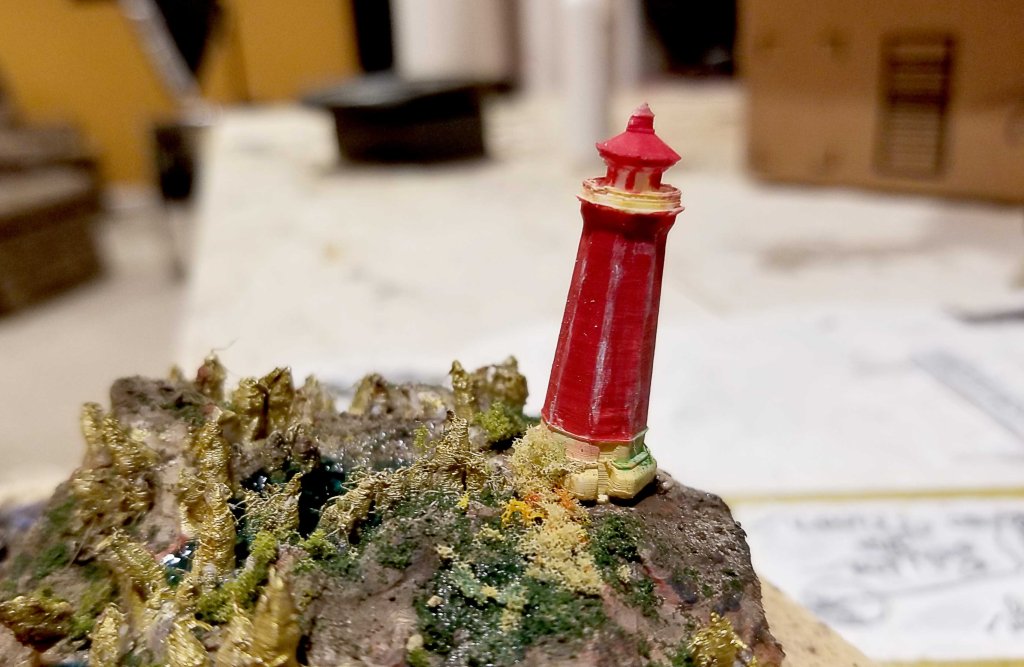
for a small winter scene, and some other small prints.
Russian visual effects company “Scandinava” has been very successful in their usage of physical models and visual effects. Combining the two, the group is able to produce incredible looking visuals that would take insane levels of computing power to recreate digitally otherwise. Check out their Instagram at www.instagram.com/scandinava .
All in all, I am excited for the new year ahead, and all of the great opportunities I will have to continue producing practical effects using 3D printing and other emerging technologies.
 New Flight Digital Blog